
Ultramarine Setup
Contents
The Asus-Linux team partnered with the Ultramarine team to make the ROG experience on Ultramarine easier than ever.
WARNING The page will not be updated directly by the core team; this guide has been updated by the community on Discord. If there are any issues with the Ultramarine documentation, feel free to contribute.
You should start by reading the Intro guide
For general Ultramarine setup and usage information, see the Official Ultramarine guide
About Ultramarine Versions
This guide is updated for the current stable release of Ultramarine (Ultramarine is based on Fedora, so it follows the same release pattern. ).
However, please be aware:
- You need to keep Ultramarine up to date. If you are 2 versions behind, your OS is no longer supported by Ultramarine (updates, security, etc.)
- E.g. If Ultramarine 43 is the current stable release, and you are on Ultramarine 41, your OS is unsupported.
Post-Installation
Follow the post-installation guide, which contains useful information such as how to install Nvidia drivers.
Setup
Asusctl - custom fan profiles, anime, led control etc.
This section covers installing asusctl and its supporting software. This enables controls for the Asus ROG hardware on the laptop.
sudo dnf install asusctl
To avoid problems with tuned, you should use ppd.
sudo dnf install power-profiles-daemon --allowerasing
systemctl enable --now power-profiles-daemon.service
ROG Control Center
ROG Control Center is a GUI tool for configuring few aspects of asusctl and supergfxctl. It was previously part of the asusctl package, but has now been separated as its own package in G14 repo. After adding the Terra or COPR repository as described above, you can now install the tool:
sudo dnf install asusctl-rog-gui
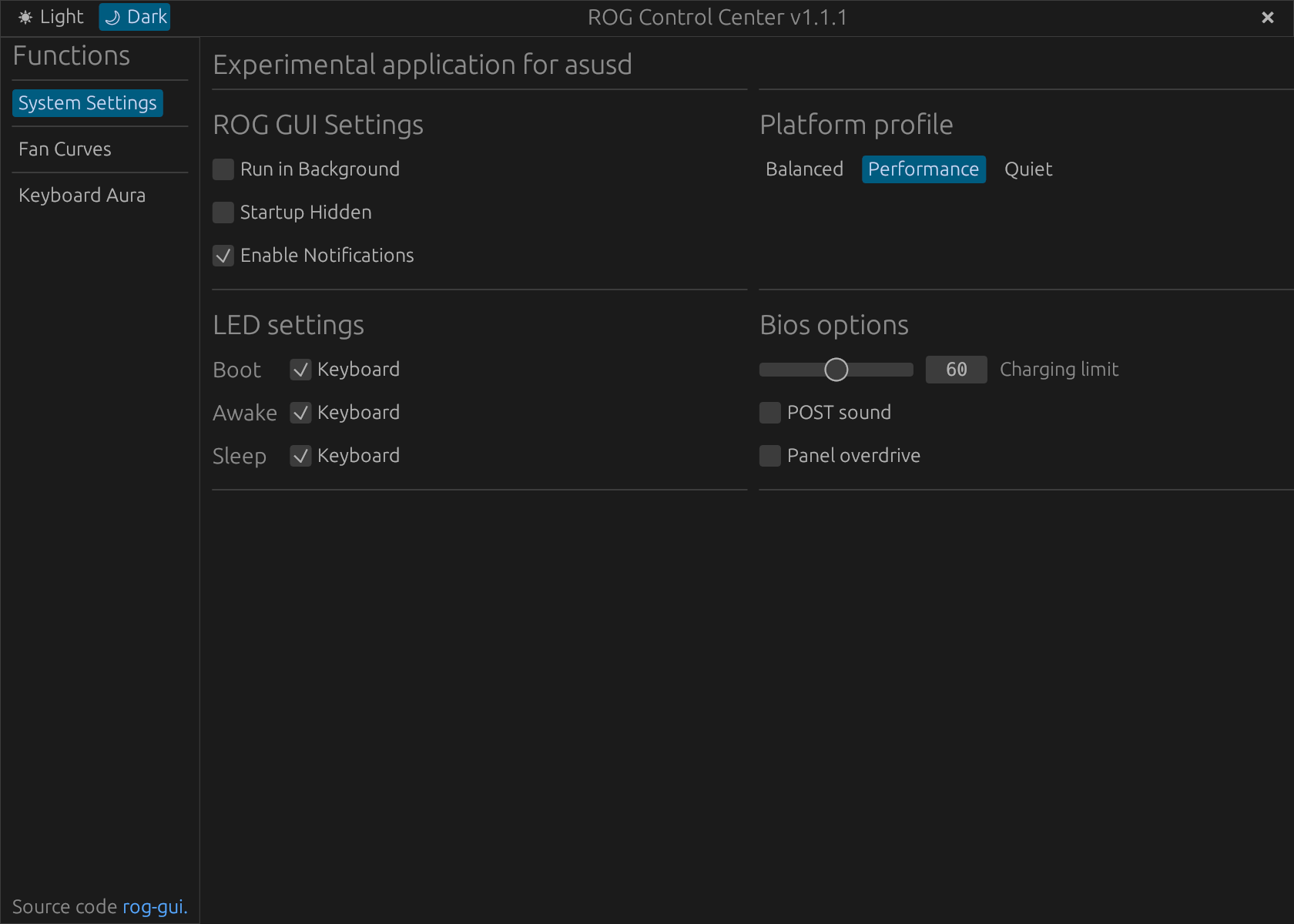
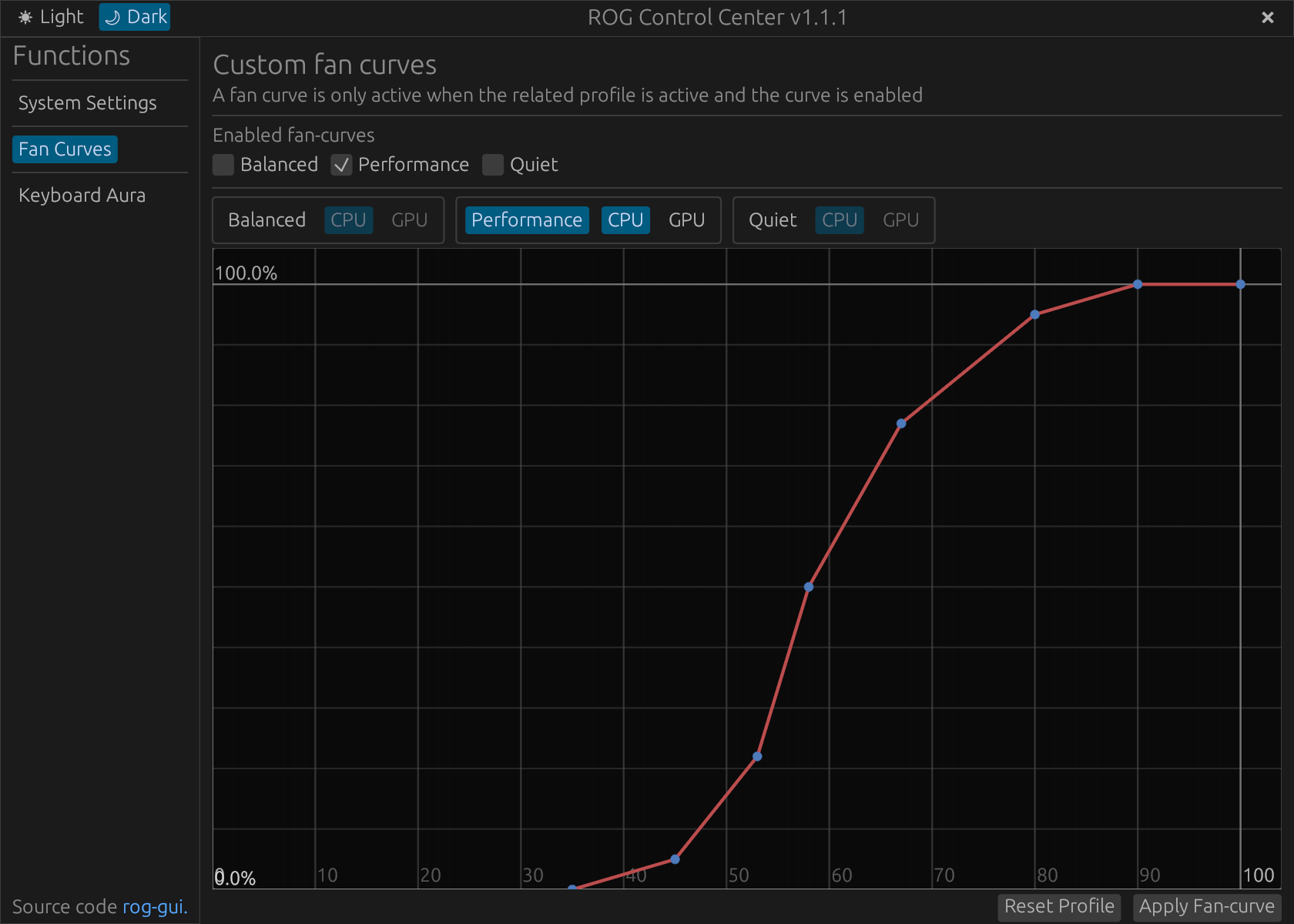
Reboot your system after installing asusctl and/or supergfxctl.
Note: ASUS releases new products every year, so it is not possible to guarantee that everything will work on the current Fedora vanilla kernel. For this reason, depending on your device, you may require a kernel that has the latest patches such as ASUS Armoury (this driver will be available in Linux 6.19 and later versions) or similar, for example, CachyOS Kernel (at least until the OGC kernel is ready). However, depending on your case and your needs, this may be optional.
Optional Steps
Supergfxctl - graphics switching [Deprecated]
WARNING supergfxctl is being phased out and its use is unadvised. During this transitioning period where an alternative is unavailable, unless you require vfio for virtual machines or have problems turning off your dGPU don't install it!
WARNING Read the supergfxctl manual first!
The same steps as for asusctl, installing:
sudo dnf install supergfxctl
supergfxctl can be used without asusctl.
Enabling Secure Boot
The recommended and easiest way to sign the kernel, whether you switched to systemd-boot, installed Nvidia, or changed the kernel, is to use sbctl.
CachyOS Kernel
(Please read this section carefully)
if you're having issues with the stock kernel, feel free to try the custom kernel (CachyOS kernel).
- Newer devices often require a custom kernel with patches. We recommend the CachyOS kernel, which includes the latest patches for newer devices. For more information, join the Discord server.
Install CachyOS kernel
To switch to CachyOs kernel, Ultramarine provides umcli, which simplifies the process.
Example:
umcli tweaks enable cachyos-kernel
Note: you should be using secure boot, so you must sign the kernel with sbctl.
